VICIdial inbound routing: the seven DID routes, explained
VICIdial inbound routing starts at the DID. The seven DID routes, what each needs to exist first, and why a new number answers nothing until you route it.

To the point
VICIdial inbound routing is decided on the DID entry. Each number has one route out of seven:
IN_GROUP: a queue of agents.CALLMENU: a menu, "press 1 for sales".AGENT: one named agent.VOICEMAIL: a mailbox.PHONE,VMAIL_NO_INSTandEXTEN: a phone, a mailbox with no instructions, or a place in the dialplan.
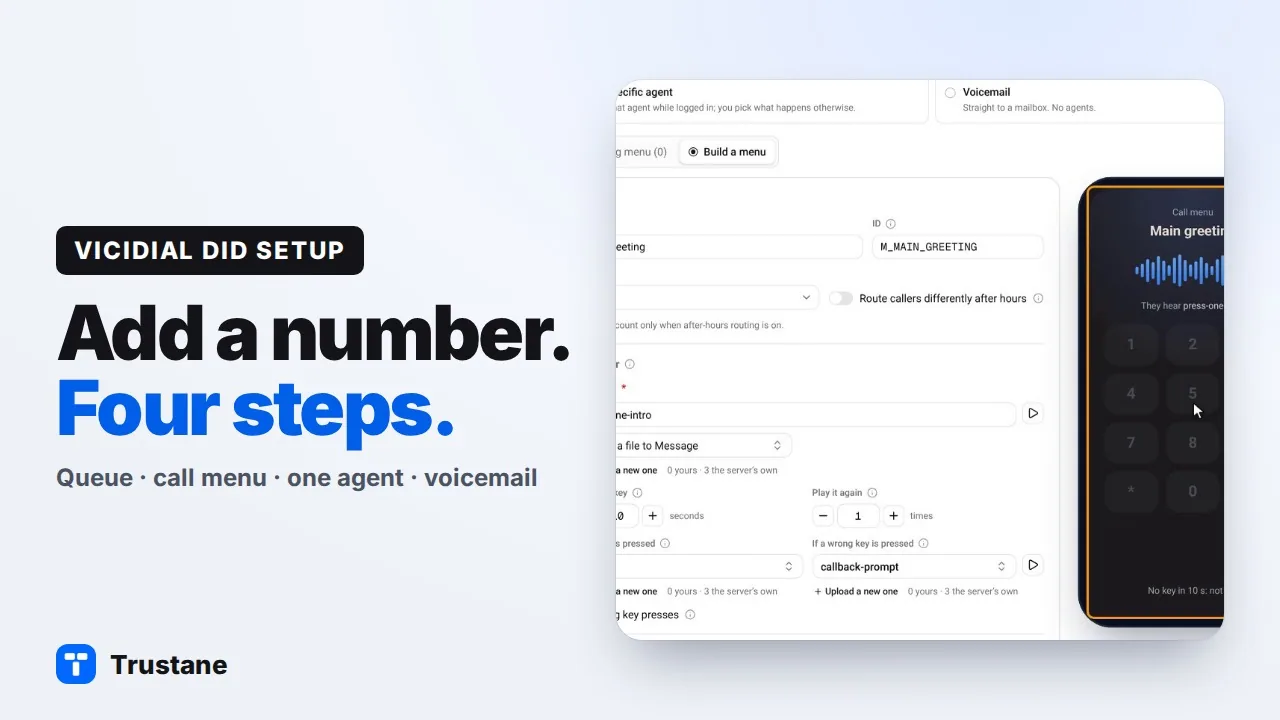
Plays from YouTube when you press Play. Google's privacy policy applies.
The DID is where routing starts
When a call arrives from your carrier, VICIdial looks up the number that was dialled among its DID entries. The entry it finds holds a field called the DID route, and that field decides what happens next.
We read the field on a VICIdial server on 8 November 2026. It has exactly seven values, and the admin screen offers the same seven under their raw names. There is no eighth.
| Route | Calls go to | What must exist first |
|---|---|---|
IN_GROUP | A queue, where callers wait for an agent | The in-group, allowed in a campaign |
CALLMENU | A menu that plays a message and waits for a key | The call menu and its audio |
AGENT | One named agent | The agent, with direct calls allowed |
VOICEMAIL | A mailbox, with the usual instructions | The mailbox |
VMAIL_NO_INST | A mailbox, with no instructions played | The mailbox |
PHONE | One phone registered on the server | The phone |
EXTEN | An extension in the dialplan | The dialplan entry |
A new number answers nothing
The default route is EXTEN, and the default extension is one VICIdial's own help calls "no-service". So a DID that was added and never routed is active, answers, and plays VICIdial's not-in-service message. If a new number plays that message, check its route first.
Nothing checks that the target exists
VICIdial's tables do not enforce links between each other. You can point a DID at an in-group, a menu or a mailbox that does not exist, and the save succeeds. The fault only shows when a caller dials in.
That is why the order matters when you build by hand: the queue, menu or mailbox first, then the DID that points at it.
The four routes most call centers use
A queue (IN_GROUP)
This is the usual choice. Callers wait in the in-group, and the server picks the next agent by that in-group's own rule. We cover the rules in how VICIdial in-groups pick the next agent.
Two more things have to be true before an agent gets the call. The in-group must be in the campaign's allowed in-groups, and it must be selected for the agent when they log in. A queue that is built correctly and missing from the campaign's list receives calls that no agent of that campaign can take.
The DID also decides how a caller becomes a lead. With caller ID lookup, the server searches for the caller's number and opens the lead it finds. Without lookup, every call makes a new lead, and a regular caller ends up with many.
A call menu (CALLMENU)
A menu plays a message, waits for a key and sends the caller on. Each key has its own destination, and so do "no key" and "wrong key". A menu can send a key to a queue, another menu, another DID, a phone or extension, voicemail, a dialplan extension, a script, or hang up.
A new menu is not live at once. The server writes menus into its dialplan when it rebuilds its configuration, which it does about once a minute when something has changed.
One agent (AGENT)
The call goes to one named agent through a built-in in-group, AGENTDIRECT. You also choose what happens when that agent is not logged in or is busy.
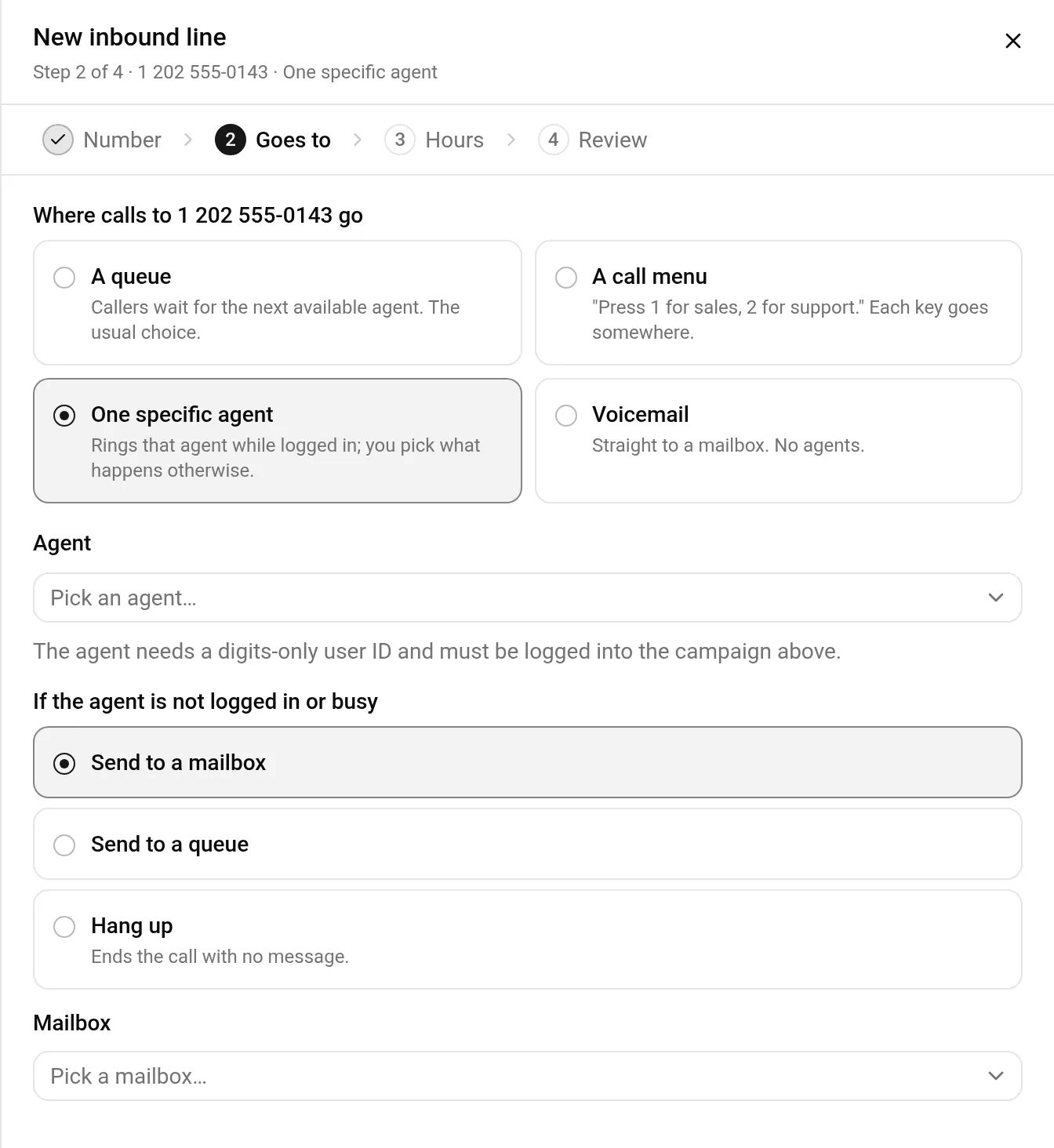
One thing to check: the agent only receives these calls while AGENTDIRECT is among the in-groups they are taking. On a server where agents choose their own in-groups at login, an agent who does not tick it will not get their direct calls that day.
Voicemail (VOICEMAIL)
The call goes straight to a mailbox. No agent is involved. Like a menu, a new mailbox becomes live when the server rebuilds its configuration.
What is not a route
Two requests come up often, and neither is one of the seven:
- Send the number to an outside phone number.
- Send the number to another server.
Both are done with EXTEN plus a dialplan entry that dials out. The DID only names a place in the dialplan, and the dialplan does the rest. That is a custom dialplan change, with its own permission in VICIdial.
How the Trustane console handles this
On a Trustane server, Numbers has a New inbound line sheet that covers the four common routes: a queue, a call menu, one specific agent, and voicemail. It builds the target with the number when you ask for a new one, so the DID never points at something that does not exist.
It also does the steps described above:
- It checks that the queue is allowed in the campaign, and allows it if it is not.
- It sets caller ID lookup, so returning callers open their existing lead.
- A line that comes with a new menu or mailbox starts switched off. Once the server has built the menu or mailbox, about a minute later, you switch the number on in Numbers.
- The last step lists everything that will be created, before anything is written.
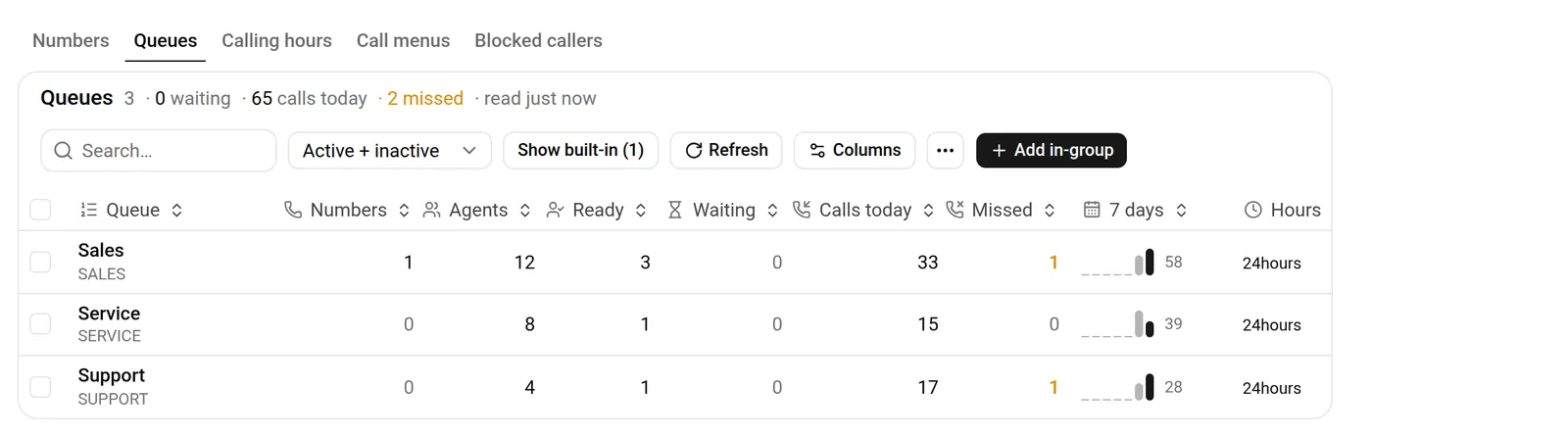
The other three routes stay where they are in admin.php, and every number has a link that opens the same entry there.
The step-by-step version is in VICIdial DID setup: add an inbound number in four steps.
A short checklist for any DID
- Is the entry active?
- Is the route still the default no-service extension?
- Does the target exist: the in-group, the menu, the mailbox?
- For a queue: is the in-group allowed in the campaign, and selected for the agents?
- Does the number match what the carrier sends, digit for digit?
- Order a server to try inbound routing on a server of your own, free for the first 7 days.
VICIdial is a trademark of its owner. Trustane is an independent hosting provider.
Sources
- VICIdial's DID routes, read on a VICIdial server on 2026-11-08
- The four routes the console builds for you
- What the console writes for each
Managed VICIdial hosting