VICIdial filter phone groups: how the inbound filter works
VICIdial filter phone groups explained: the six Filter Inbound Number settings, exact matching and the leading 1, where a match goes, and how DNC differs.

To the point
A filter phone group in VICIdial is a named list of caller numbers. A DID (an inbound line) can check it on every call and send a match somewhere else, for example to an extension that hangs up.
- It works on inbound calls only. The dialer never reads it.
- The match is exact: 2065550171 and 12065550171 are two entries.
- A DID has six filter settings; GROUP is the one that reads a filter phone group.
- The internal DNC list is a different list, for outbound.
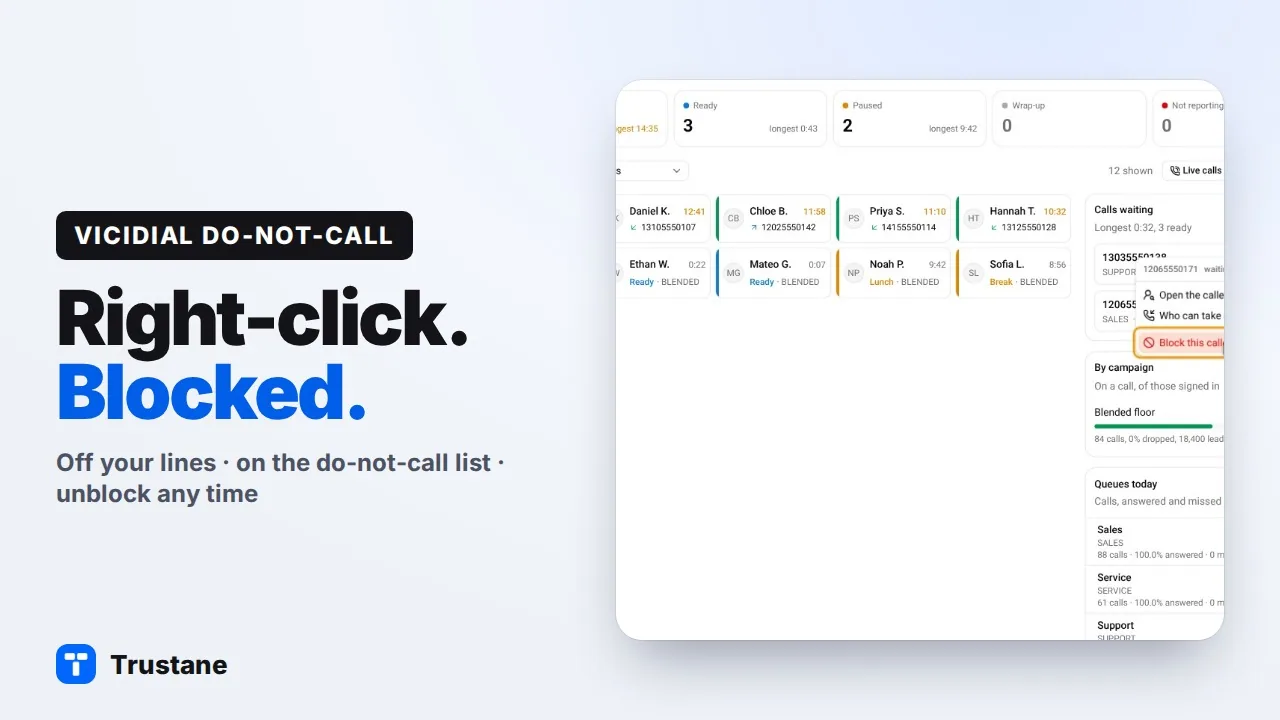
Plays from YouTube when you press Play. Google's privacy policy applies.
Line numbers below are from VICIdial's source at svn trunk r4038 (10 November 2026). An installed server can be older.
Two lists that never read each other
People often expect the DNC list to stop a caller from ringing in. It does not.
| List | Table | Read when |
|---|---|---|
| Filter phone group | vicidial_filter_phone_numbers | a call comes in on a DID whose filter is GROUP or GROUP_AREACODE |
| Internal DNC | vicidial_dnc | the dialer picks a number to dial; inbound only if a DID's filter is DNC_INTERNAL |
Only the inbound scripts read the filter phone numbers. The hopper, the auto-dialer and the agent screen's dial code never mention that table.
The six Filter Inbound Number settings
Every DID has a Filter Inbound Number field. VICIdial's admin offers six values:
- DISABLED: no filter. This is how a DID starts.
- GROUP: compare the caller's number with the DID's filter phone groups.
- GROUP_AREACODE: the exact match first, and then every caller whose area code is in the group, written as
206XXXXXXX. - DNC_INTERNAL: compare the caller with the internal DNC list.
- DNC_CAMPAIGN: compare the caller with one campaign's own DNC list.
- URL: calls a web address you give, with the caller's number filled in, and filters the call when the page answers with a number above zero.
What happens on a match
A call that matches does not follow the DID's normal route. It goes to the DID's Filter Action. With the action EXTEN, that is Filter Extension in Filter Extension Context, which is default unless you change it.
VICIdial's sample dialplan has this in [default]:
exten => 8300,1,Hangup()So a filter that sends its matches to 8300 hangs up on them. The routing script does not answer the call first, so the server plays nothing. What the caller hears is up to their carrier.
Exact match, and the leading 1
The match is exact, after one clean-up: VICIdial strips every character that is not a digit. So +12065550171 and 12065550171 are the same entry.
A missing or extra leading 1 is not cleaned up. With the DID's Clean CID Number field left empty, which is how it ships, 2065550171 and 12065550171 are different entries. A carrier can send either form, so a block that should hold needs both.
One group, or several
A DID's own filter can name several groups, as a comma-separated list.
VICIdial also has a system-wide filter: a DID whose pattern is did_system_filter, used when the system setting of the same name is on. It runs before each DID's own filter, and it matches one group only.
Counting the calls a filter turned away
VICIdial writes a row to vicidial_did_log for an inbound call before the filter runs. On a filter match with the EXTEN action it changes that row's route to F_EXTEN; other actions are marked F_ and the action. Counting those rows for a number tells you how many of its calls were turned away. Older rows can be moved to the archive table, so a long look back needs both.
The outbound side, in one paragraph
When VICIdial auto-dials, it skips numbers on the internal DNC list while the campaign's Use Internal DNC List is Y, the default, or AREACODE. A manual dial is checked only if the campaign's Manual Dial Filter includes DNC, and that ships as NONE. VICIdial DNC lists, explained covers the rest.
Doing it through the API
VICIdial's Non-Agent API has four functions for this: add_fpg_phone and delete_fpg_phone for a filter phone group, add_dnc_phone and delete_dnc_phone for the DNC list. The API user needs the function allowed, API access switched on, a user level of 8 or more, and the right to modify lists. The filter phone group must exist before a number can be added to it.
In the Trustane console
Our console writes both lists in one step, through those API functions. Block a caller on the live floor and the number goes on the server's block list in both forms, on the internal DNC list in both forms, and the lines are set to hang up on it.
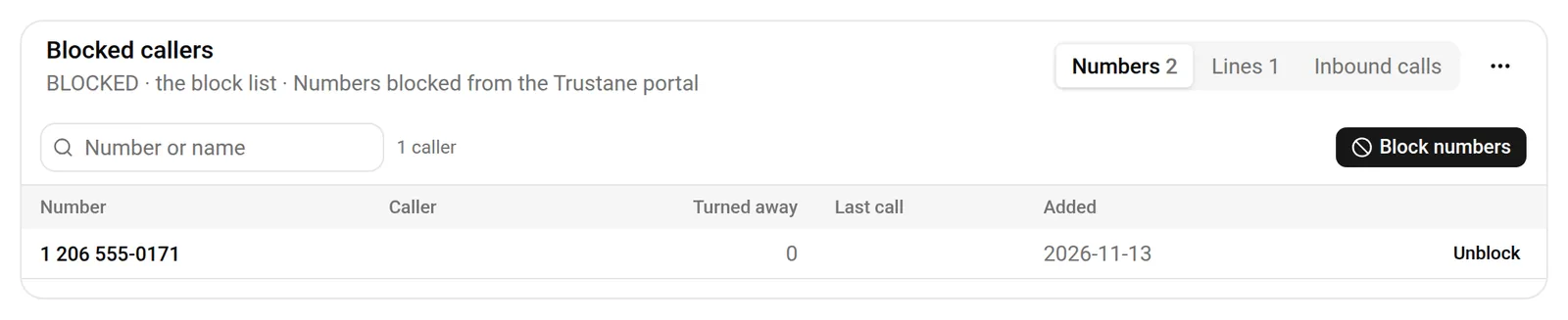
The steps are in how to block a phone number in VICIdial.
Next steps
- How VICIdial in-groups route calls: what happens to a call the filter lets through.
- Order a VICIdial server and try it on a live line.
VICIdial is a trademark of its owner. Trustane is an independent hosting provider.
Sources
- VICIdial SVN r4038, how a DID routes and filters a call
- VICIdial SVN r4038, the hopper's do-not-call check
- VICIdial SVN r4038, the admin menus
- VICIdial SVN r4038, the API functions for filter groups and DNC
- VICIdial behaviour checked line by line, 13 November 2026
- Trustane console, the Blocked callers page
Managed VICIdial hosting